Built for big libraries
Handles 3,000–12,000+ tracks with a fast database, quick search and sorting, and folder watching so new music appears by itself.
Version 1 · Free for Windows
A fast, dependable Windows music player made for big libraries: thousands of songs, no lag. A free MP3 and FLAC player with gapless playback and an equalizer.
✓ Free ✓ Windows 10/11 ✓ v1
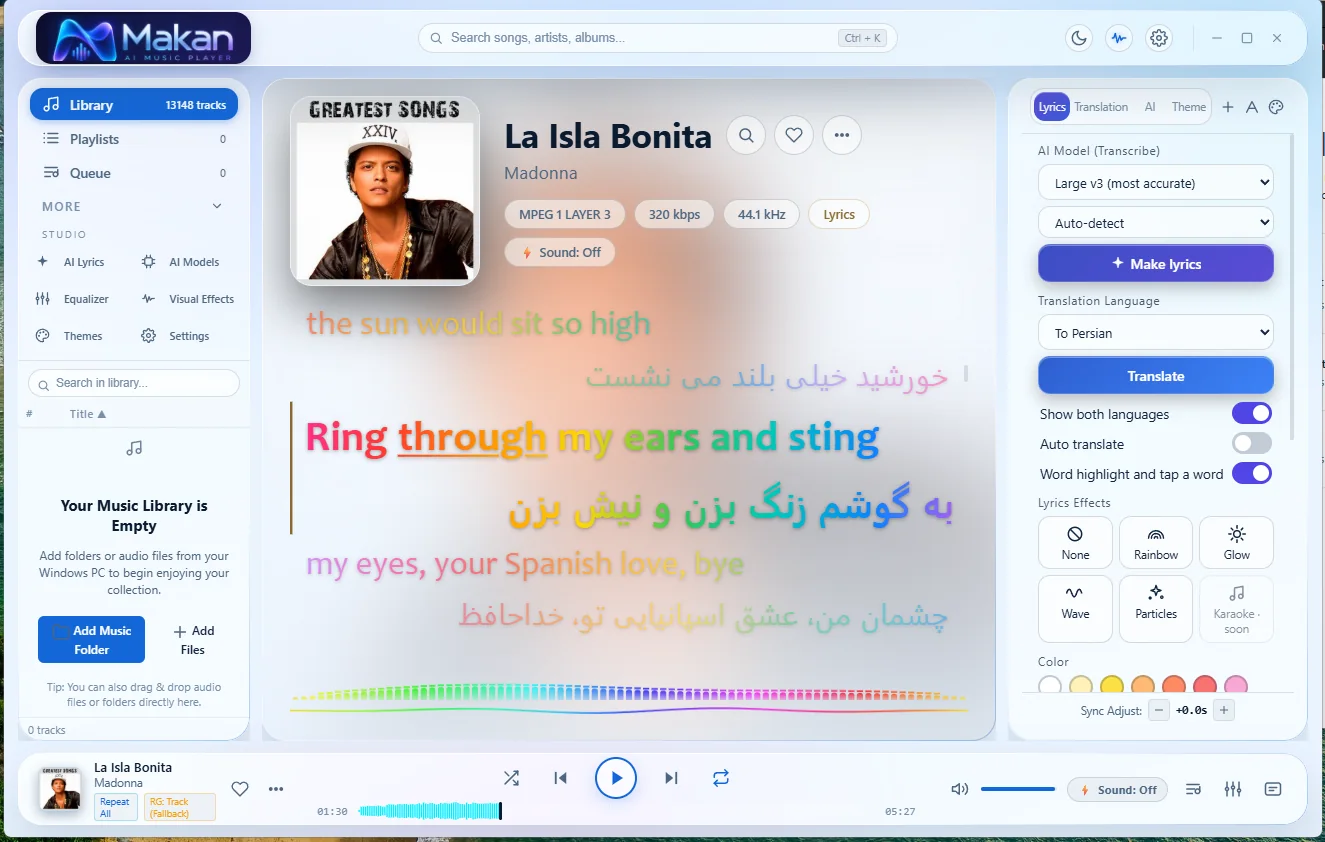
Screenshots
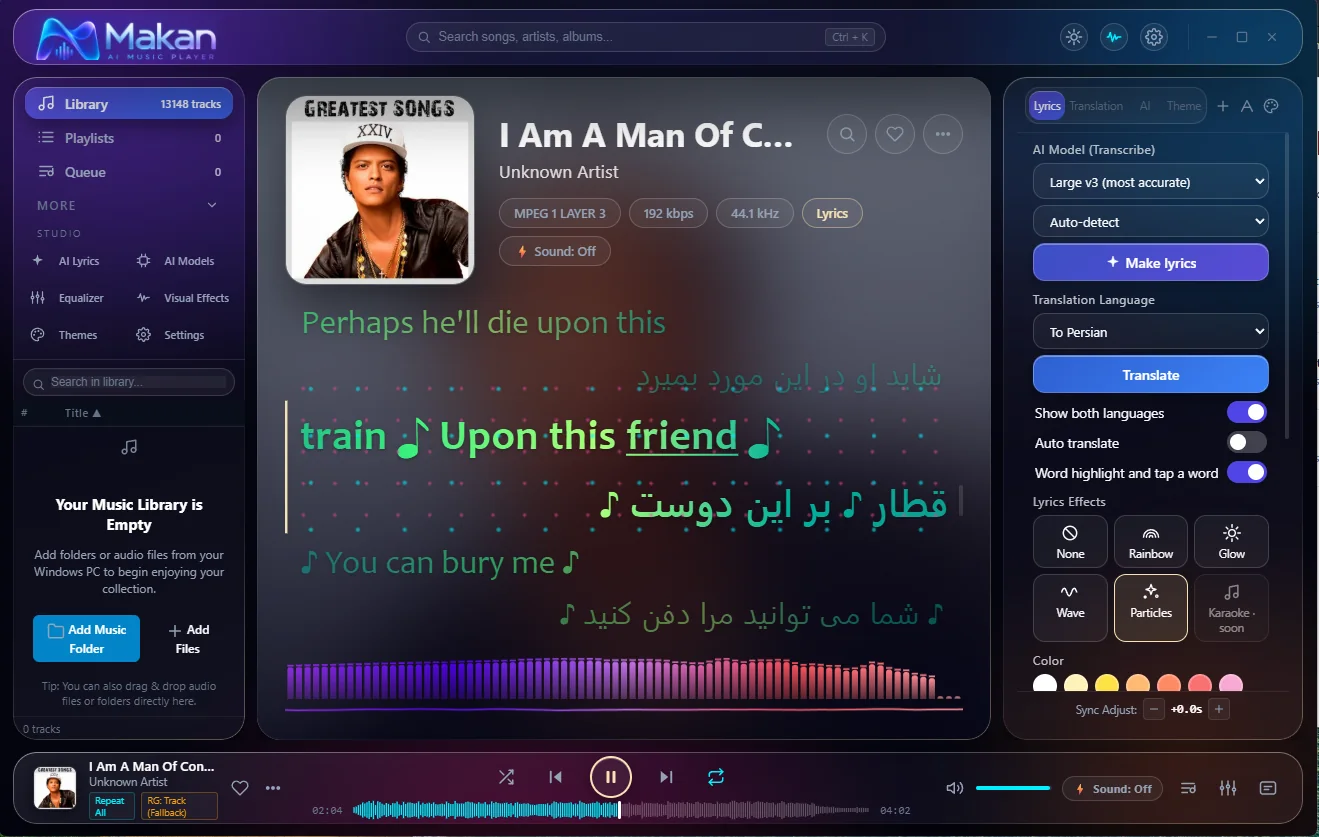
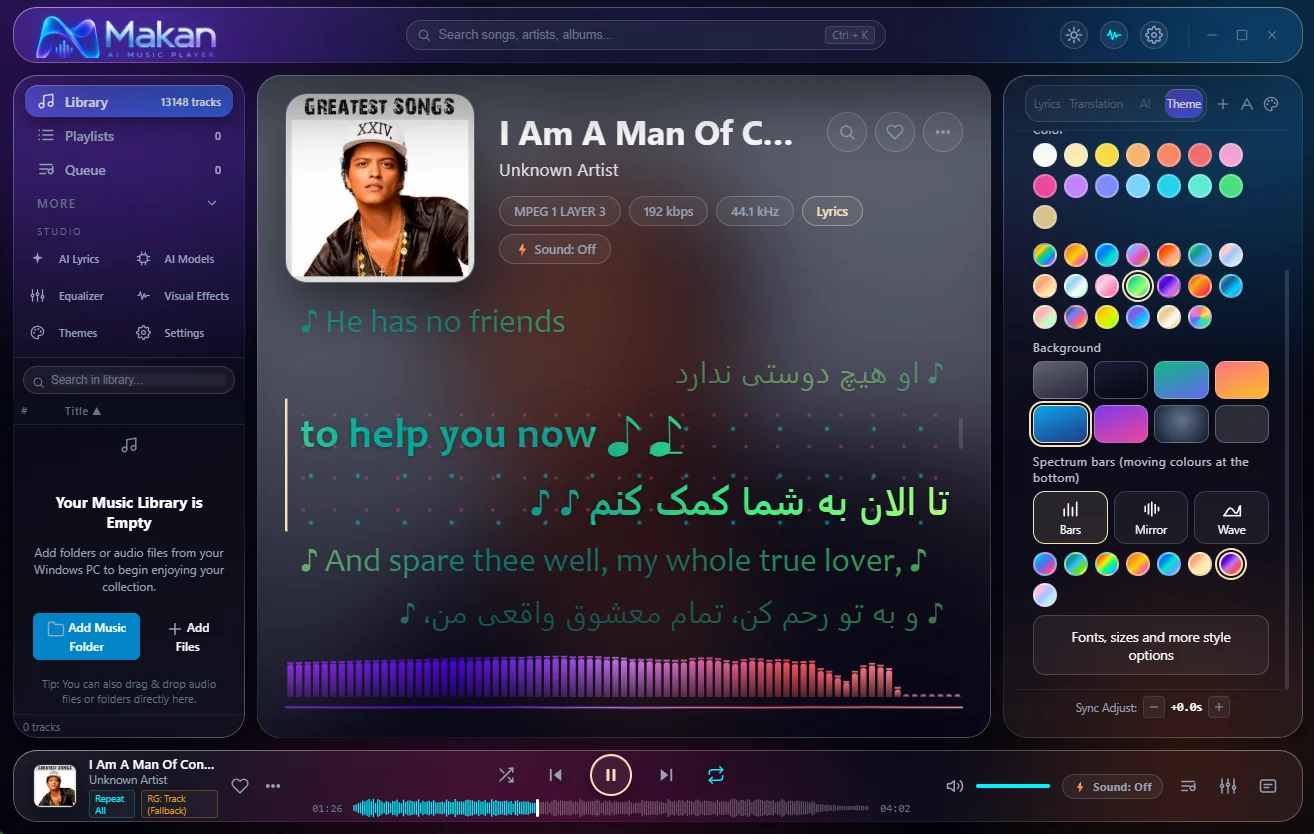
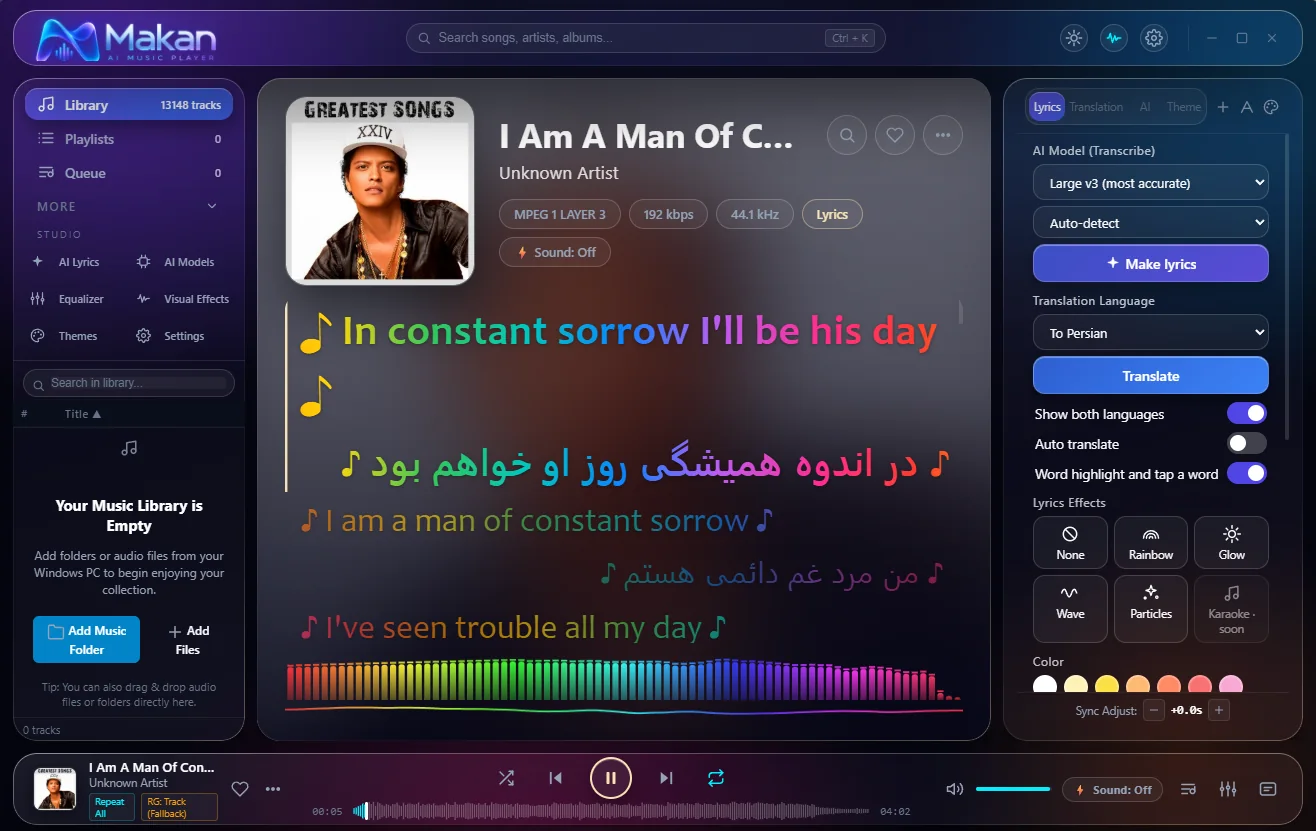
Key features
For people with thousands of MP3 and FLAC files who want a simple, fast, reliable Windows music player.
Handles 3,000–12,000+ tracks with a fast database, quick search and sorting, and folder watching so new music appears by itself.
MP3, FLAC, WAV, AAC, M4A, OGG Vorbis and Opus.
10-band equalizer, ReplayGain volume matching, gapless playback and crossfade.
Every song plays once per cycle before any repeats.
Build a queue, save playlists, use the mini player, the tray icon and your keyboard media keys.
Stops the music after a time you choose, or at the end of the current song, with a slow fade-out.
Reads LRC, SRT, VTT and ASS lyric files.
Right-click → Open with, "Play with MAKAN AI Music Player" on folders, and Previous / Play / Next buttons on the taskbar.
Open many files at once
Select thousands of songs in Explorer, press Enter, and they all open in one MAKAN window, in one go, like Windows Media Player does. (Needs the installer version.)
Supported formats
| Format | Supported |
|---|---|
| MP3 | Yes |
| FLAC | Yes |
| WAV | Yes |
| AAC / M4A | Yes |
| OGG Vorbis | Yes |
| Opus | Yes |
Default player
Run MAKAN-Music-Player-v1-setup.exe.
On Windows 11 choose Show more options first.
Open with → Choose another app → MAKAN AI Music Player.
Click OK. Windows does not allow any app to make itself the default; you choose it once.
Download
MAKAN-Music-Player-v1-setup.exe): recommended, includes Explorer integration.MAKAN-Music-Player-v1-portable.exe): no install, no Explorer integration.Also on GitHub Releases.
FAQ
Yes, free to use.
Windows 10 and 11, 64-bit.
Setup is recommended: it adds the right-click menu and file associations. Portable runs without installing and has no Explorer integration.
The app is not code-signed yet, so Windows warns about unknown publishers. Click More info, then Run anyway. The source code is visible on GitHub.
On your own PC only; nothing is uploaded.
No, for playing music.
Not in v1.
No. The app is free to use and share unmodified; the code may be read but not copied, modified or resold without written permission.
makan20042002@gmail.com
About the maker
MAKAN AI Music Player is built with Electron and plain JavaScript, with a SQLite library database and FFmpeg decoding (LGPL). It is free to use; all rights reserved. The code may be read, not copied, modified or resold. The full text is in the LICENSE file on GitHub.